Essay record
Blender: Procedural Generation with the Blender Python API
- Record
- Essay / / 2 min read / 574 words
On this page3 sections / +
DISCLOSURE: Some links may be affiliate links. Details
Overview
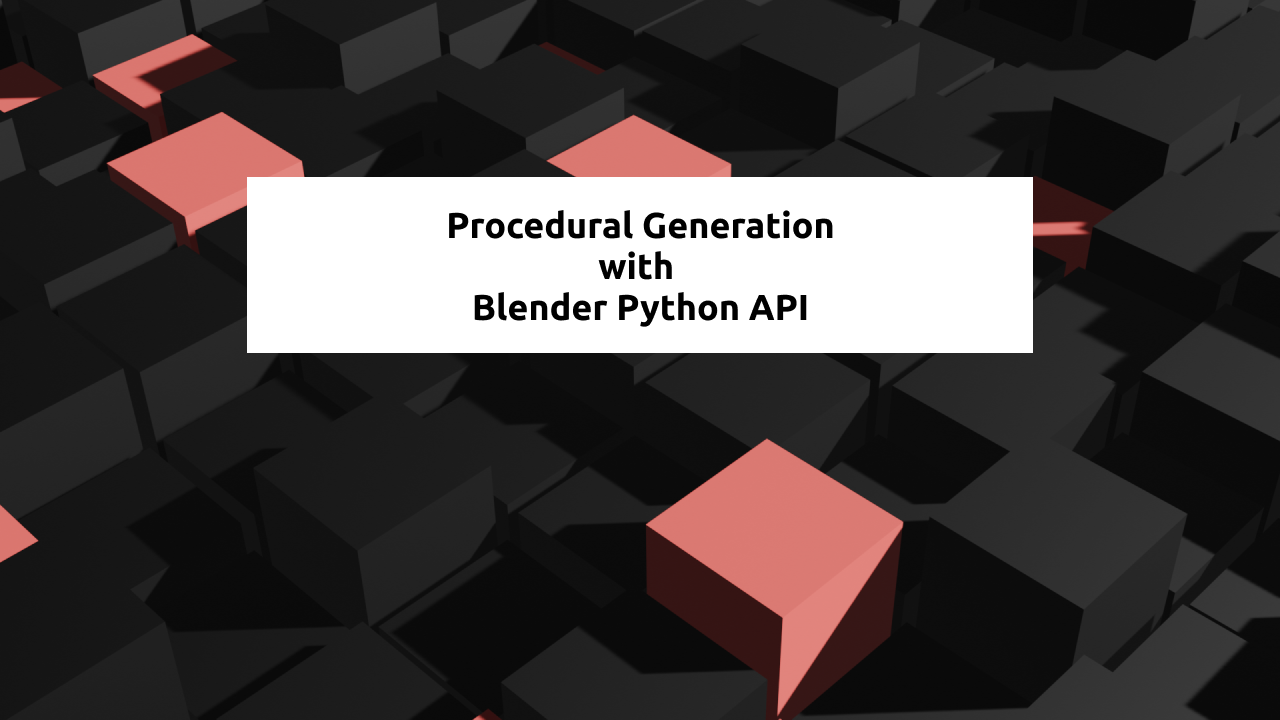
In this post I'll share some basics of Procedural Generation with Blender's Python API. I'll use a render I made during Genuary 2021 (a daily generative art challenge) to demonstrate.
I also have a video guide if you'd like to take a look:
Procedural Generation
For those that don't know, procedural generation is the act of creating parameterized, random art.
From Wikipedia:
In computing, procedural generation is a method of creating data algorithmically as opposed to manually, typically through a combination of human-generated assets and algorithms coupled with computer-generated randomness and processing power.
Let's say we have the ability to create a cube, set its color, and change its location. An example of procedural generation may be to create 1000 cubes with random colors and locations.
In the example provided, I've created 400 (20 * 20) cubes aligned in a grid, each with a random height and color. With the power of code, I was able to do this in just a few lines of text.
Procedural Generation in Blender
There are many different ways to leverage procedural generation in your Blender project. You could write code, configure a plugin, or randomize things yourself. I like to code so I'm going with the coding route but know that other options exist.
Here's my code:
# This gives you access to call Blender functions from Python
import bpy
import random

# We set spacing to be slightly larger than the cube size (2) we add later
spacing = 2.2

# Iterate over each grid 'cell' we want a cube at
for x in range(20):
    for y in range(20):
        # calculate the location of the current grid cell, generate a random height
        location = (x * spacing, y * spacing, random.random() * 2)

        # add the cube
        bpy.ops.mesh.primitive_cube_add(
            size=2,
            enter_editmode=False,
            align='WORLD',
            location=location,
            scale=(1, 1, 1))

        # set the cube's material (color in this case)
        item = bpy.context.object
        if random.random() < 0.1:
            item.data.materials.append(bpy.data.materials['Material.Red'])
        else:
            item.data.materials.append(bpy.data.materials['Material.Black'])
Now a general walkthrough:
- First we import bpy and random - bpy is the library that gives you access to call Blender functions from Python. We'll be using random for the 'input' to our algorithm, determining things like location and color.
- We then iterate over each grid 'cell' we want to place a cube. I wanted to have a grid that was 20x20 so I used those as my range.
- Next we calculate the location of the grid cell in the scene. We can figure this out by using the coordinates of the grid cell (x, y) then multiplying that by our 'spacing' between cubes.
- We then create the cube. There are a lot of potential parameters here but that's out of scope for this project. Most important thing to notice is we're setting the cube size to 2 and the location to the location variable we calculated in step 3.
- Next we add a material. I've pre-created materials with the names 'Material.Red' and 'Material.Black' that just have their base colors set to red and black respectively.
That's all there is to it! Feel free to grab this code and give it a whirl in your own Blender file. If you do, I'd love to see what you make / how you modify it. Comment below or message me on one of my socials.